
How to Compare QC Photos: Same Item, Different Seller or Batch?
Compare two QC photo sets without confusing similar images with the same item. Check identifiers, variants, dates, angles and measurements.
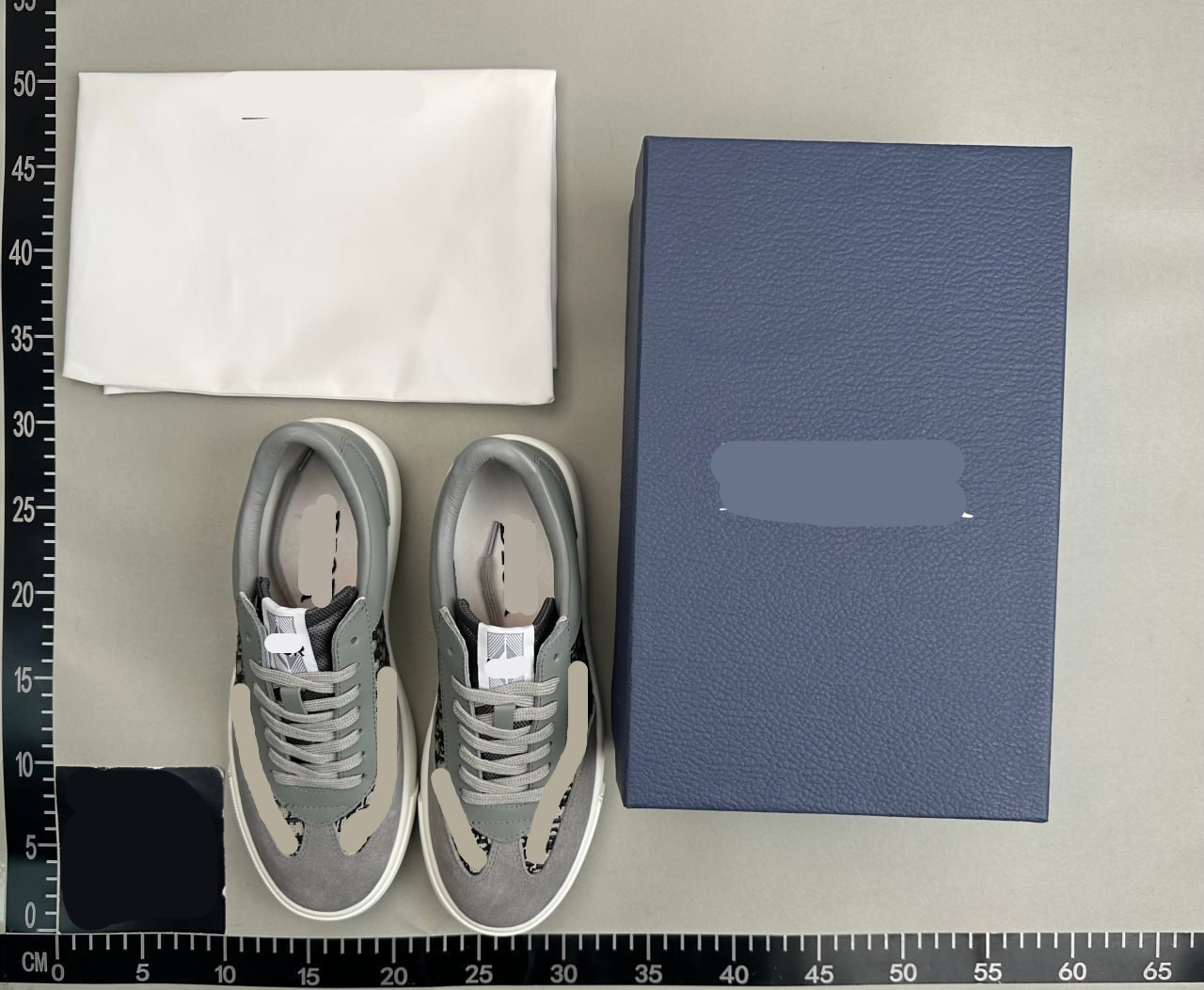
Compare two QC photo sets without confusing similar images with the same item. Check identifiers, variants, dates, angles and measurements.
Two nearly identical QC photos may show different sellers, variants or production runs. A useful comparison starts with the relationship between the records, then compares only details that the available evidence can support. Similar appearance alone does not establish a shared supplier or batch.
Use this worksheet when comparing a saved FindQC result with a current listing or with your own warehouse photos. The goal is to find meaningful differences and better inspection questions, not to declare a winning seller from a few attractive images.
1. Build a record for each photo set
Label the sets A and B. For each, save the source platform, final listing URL, item ID, seller, selected size and colour, date of the record and whether the pictured unit belongs to your order. Keep unavailable fields marked unknown. A download date is not necessarily the date the item was photographed.
Do not use a filename, image watermark or shared product photograph as a substitute for the listing identity. Reused marketing images are common enough that the image itself cannot establish a transaction chain. If you only have an image, use it for candidate discovery and stop short of calling the records identical.
2. Classify the relationship before comparing quality
Even a matching item ID can lead to a changed offer over time. Open the current page and check the option set and seller context. If the page has been replaced, label the relationship changed rather than silently attaching the old QC set to the new product.
| Relationship | Useful comparison | Limit |
|---|---|---|
| Same listing and variant | Visible changes between dated units | Does not prove the same batch |
| Same listing, different variant | Construction and options that are genuinely shared | Size and colour differences need their own baseline |
| Different listing or seller | Separate candidates and inspection questions | Do not transfer a quality conclusion |
| Image-only resemblance | Visual search clues | Identity remains unknown |
3. Make the viewing conditions comparable
Compare front with front, rear with rear and the same detail at a similar angle. Keep a wide view next to each crop so the location remains identifiable. A shoe closer to a wide-angle camera can look longer; a garment hanging from a hook cannot be directly compared with one laid flat.
Screen brightness, lighting and white balance can change apparent colour. Do not use a pixel colour sample to claim a material or dye mismatch without controlled lighting. Ask for consistent views if the suspected difference could affect your decision. Cropping improves visibility, but aggressive sharpening or colour correction can manufacture a difference.
4. Compare measurements by method, not just by number
Confirm what was measured and where the tape starts. Chest width is not circumference, outsole length is not insole length, and product dimensions are not packed-parcel dimensions. If one set measures a different quantity, mark the comparison unavailable instead of putting the values into one ranking.
Illustrative case: set A shows a flat chest width of 54 cm; set B shows a seller size-chart value of 108 cm described as circumference. The numbers might look convertible, but one is a measured unit and the other a seller specification. Record their different origins and request a comparable warehouse measurement before treating them as confirmation.
5. Turn repeated observations into a targeted check
If several independent records show a concern in the same seam or joint, ask for a focused view of that area on your own item. First check that the records are not duplicates of one photo set. Repeated uploads of the same image do not provide independent observations.
Avoid claims such as “this batch always has the defect” when the batch identity and sampling are unknown. Describe the observation precisely: a visible feature appears in these dated records, and the current unit needs a check. The absence of a defect in a gallery also does not prove that every future unit is free of it.
6. Finish with a comparison you can defend
A sound conclusion may be that two sets are not comparable. That is useful: it tells you which evidence is missing and prevents a persuasive photograph from becoming an unsupported purchase recommendation. Keep the source records intact so the comparison can be repeated later.
- Identity: record what matches and what remains unknown.
- Conditions: note angle, lighting, scale and measurement method.
- Observation: describe the specific visible difference.
- Confidence: distinguish direct evidence from a possible explanation.
- Action: request a current photo, verify the listing, or keep the candidates separate.
Source documentation
Sources describe the services referenced. Examples and worksheets are independent editorial guidance; check current details with the provider.
- FindQC: search and QC documentation Reference for the service’s search methods and QC scope. The examples and worksheets in this guide are independent editorial guidance.